Dark mode
1charta follows your system’s light or dark setting, or the one you keep at the foot of “?”: Light, Dark or Like the system. A colour you chose for a sticky stays the colour you chose, and exports stay light.
What 1charta can do, newest first. The pictures show each feature as it looks today.
1charta follows your system’s light or dark setting, or the one you keep at the foot of “?”: Light, Dark or Like the system. A colour you chose for a sticky stays the colour you chose, and exports stay light.
Paste or drop an image into a note and it shows at once. The file goes into the note’s folder, named the way Obsidian names it, and in a sealed Space it is sealed in your browser before it leaves.
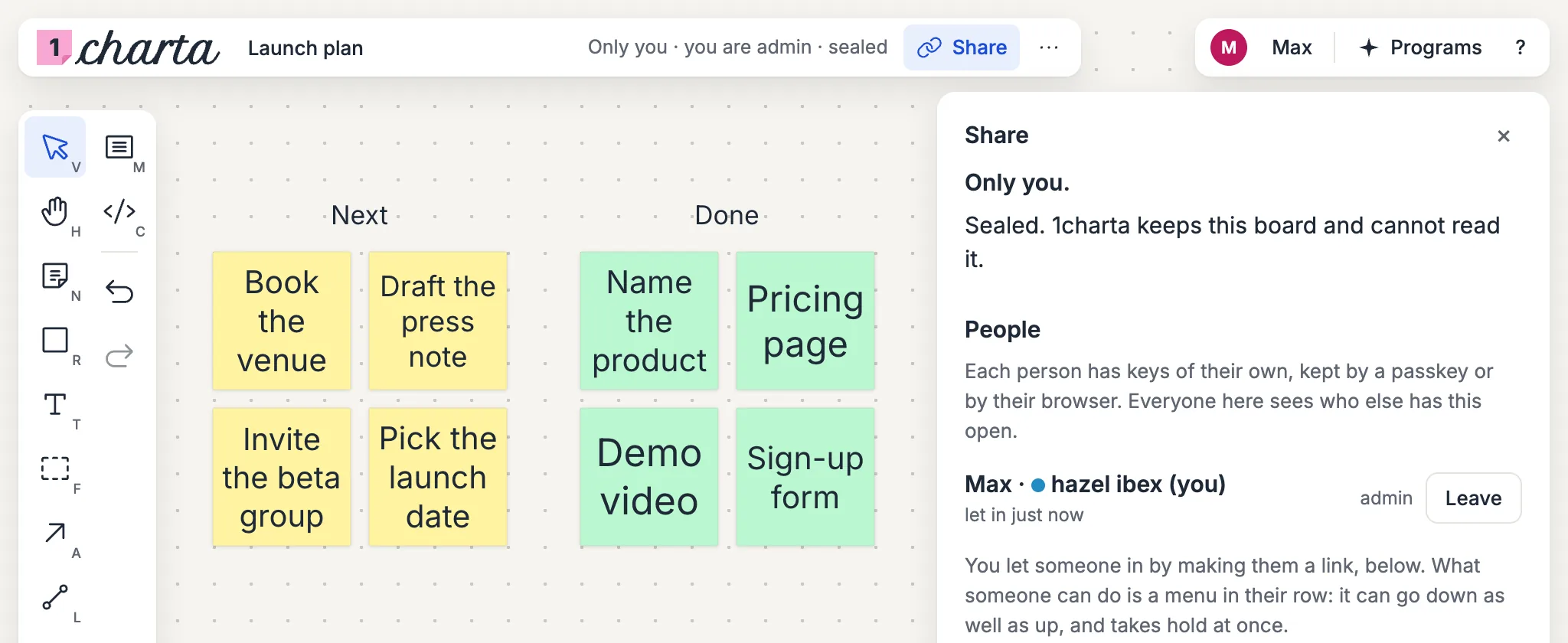
One line at the top of every board and Space says who can open it, what you can do there, and whether it is sealed. Press it for Share, the one place for people, links and programs, the same on a board as in a Space.
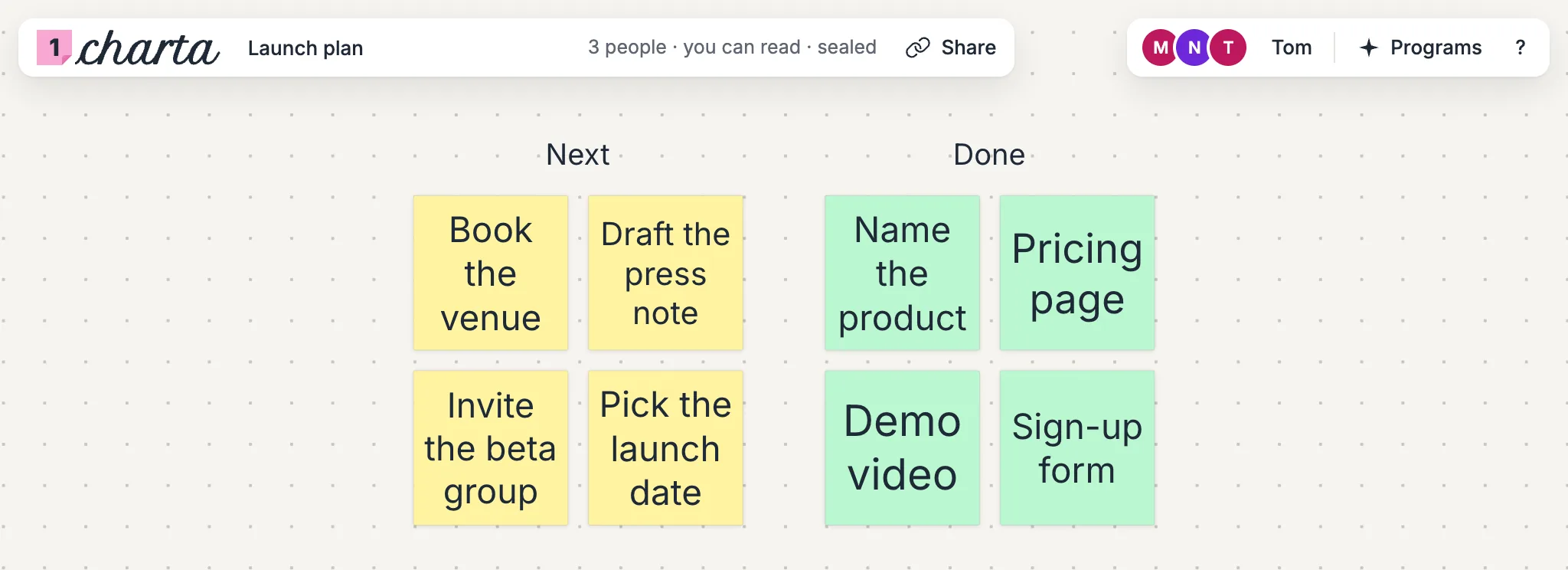
Everyone you let into a board or a Space is a row in Share, as admin, can write or can read, and that is a menu you can move up or down at any time. A board nobody has been let into stays open to anyone with its address.
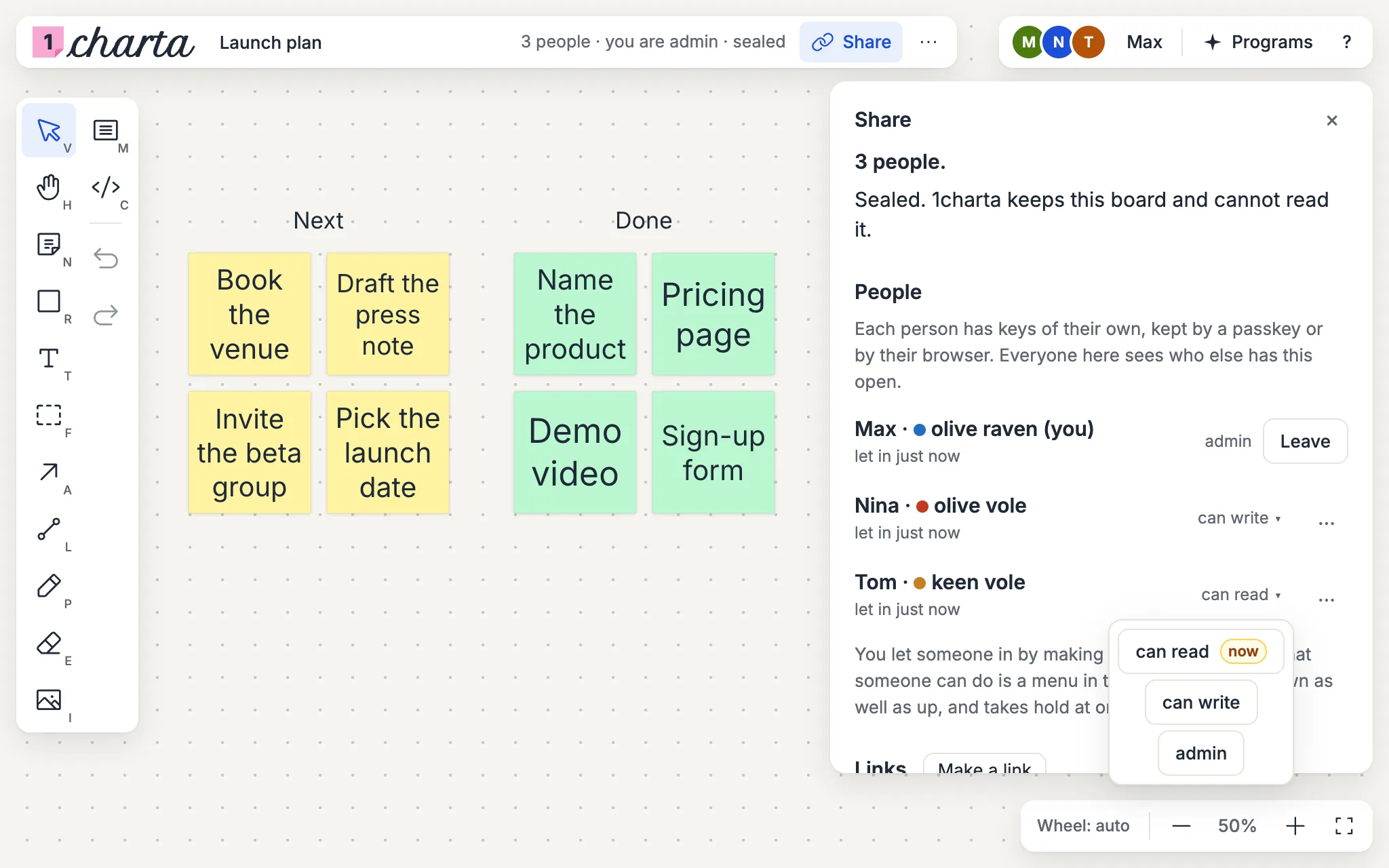
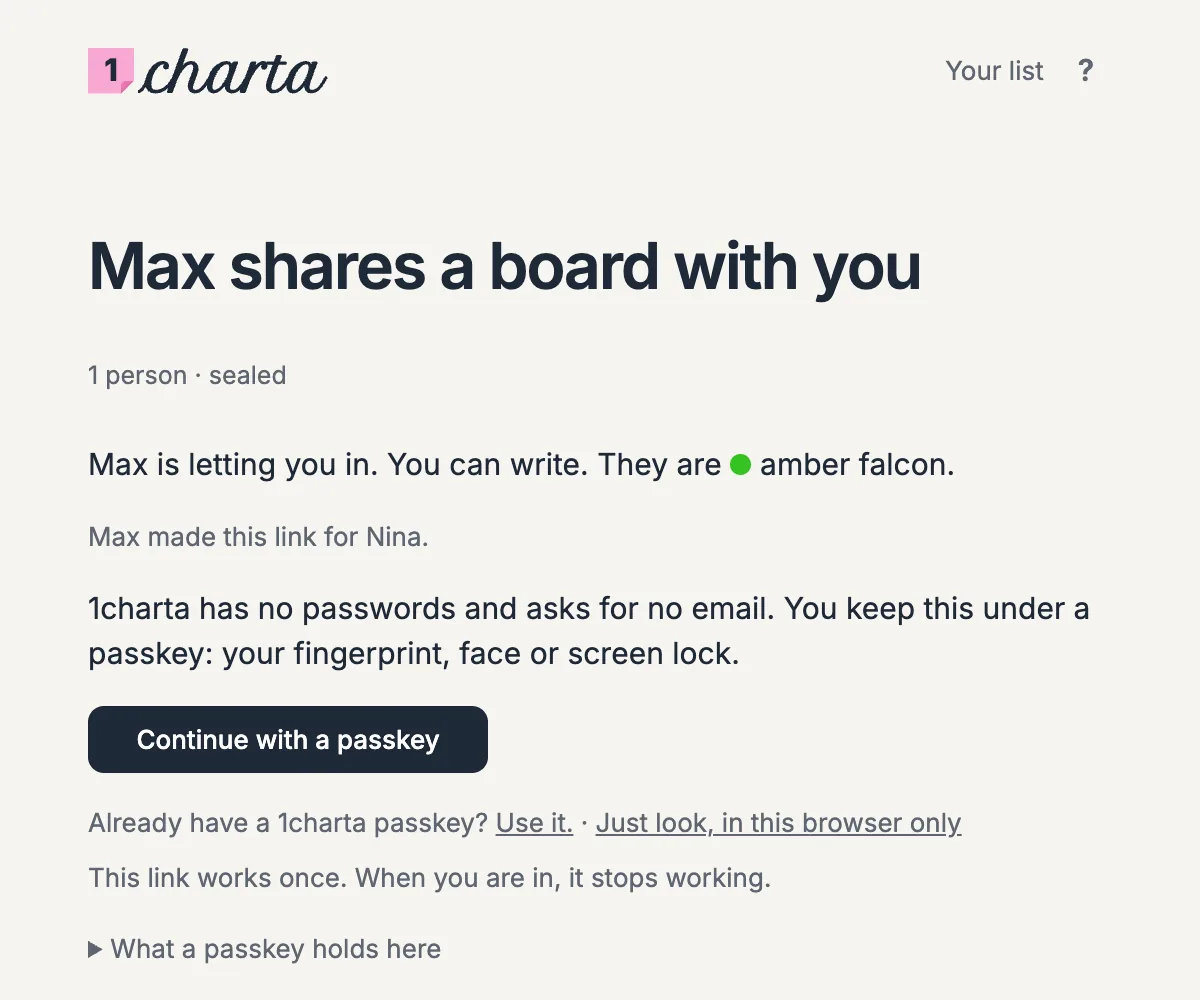
Make a link in Share for the person you want in. It says who it was made for and what they can do, lets them in once, and then stops working.
A Space can be sealed like a board: its notes and files are encrypted in your browser before they leave, and 1charta keeps what it cannot read.
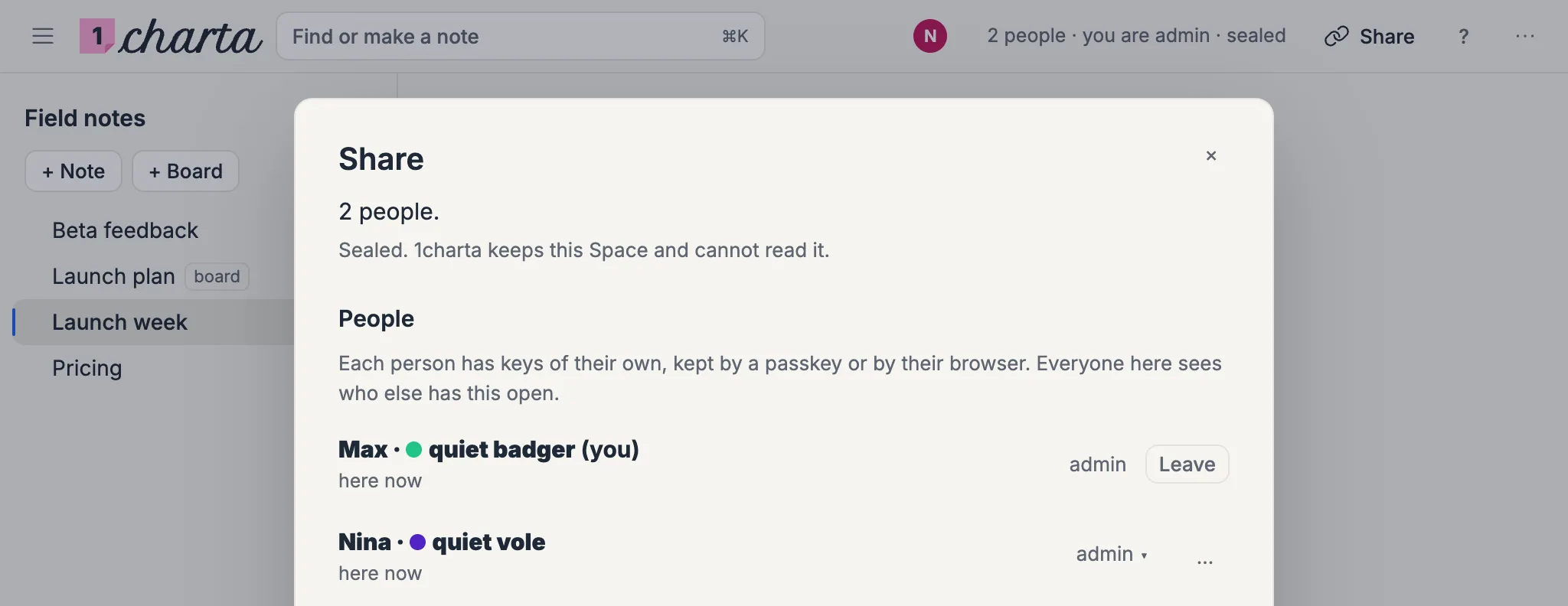
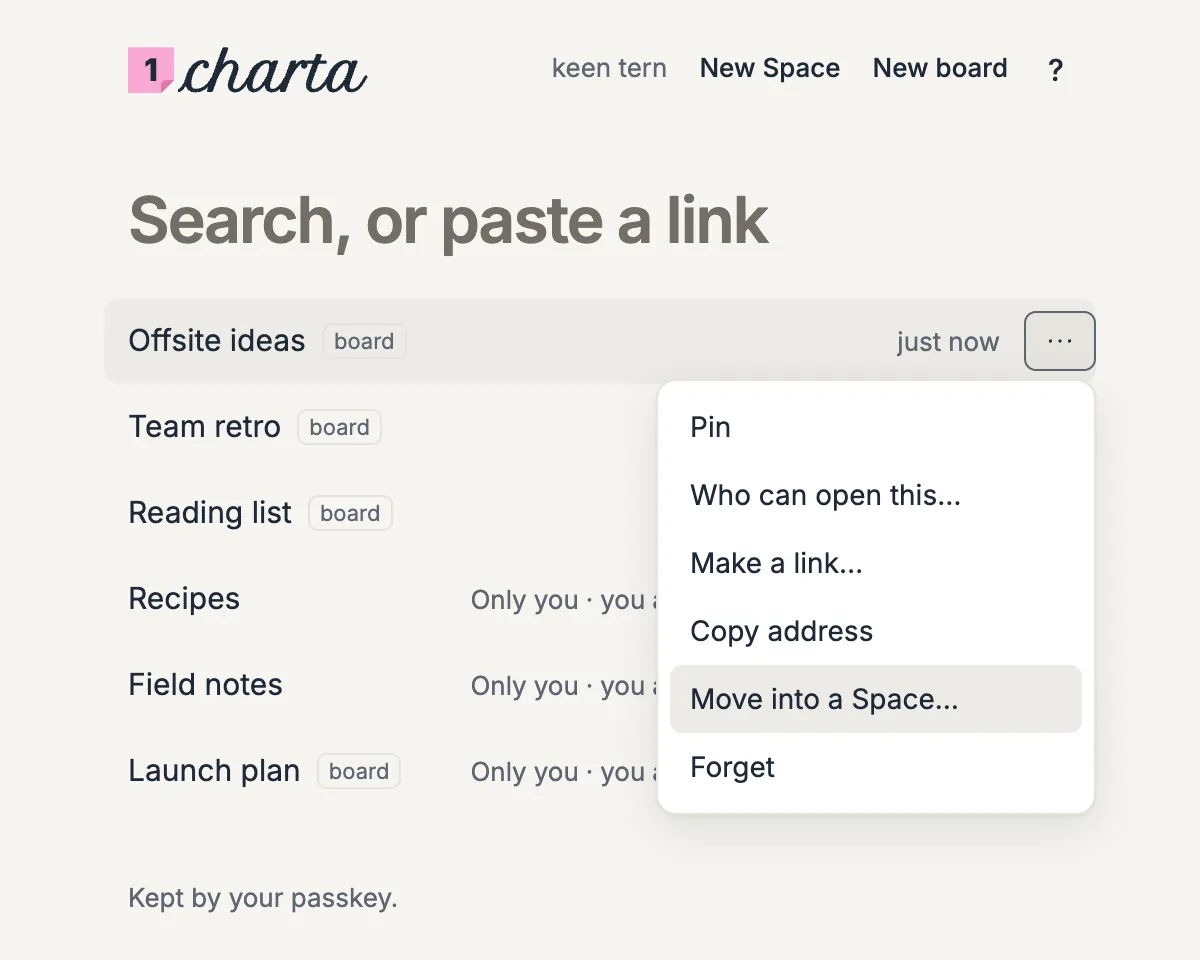
From Your list, move or copy a board into a Space, where it sits beside the notes.
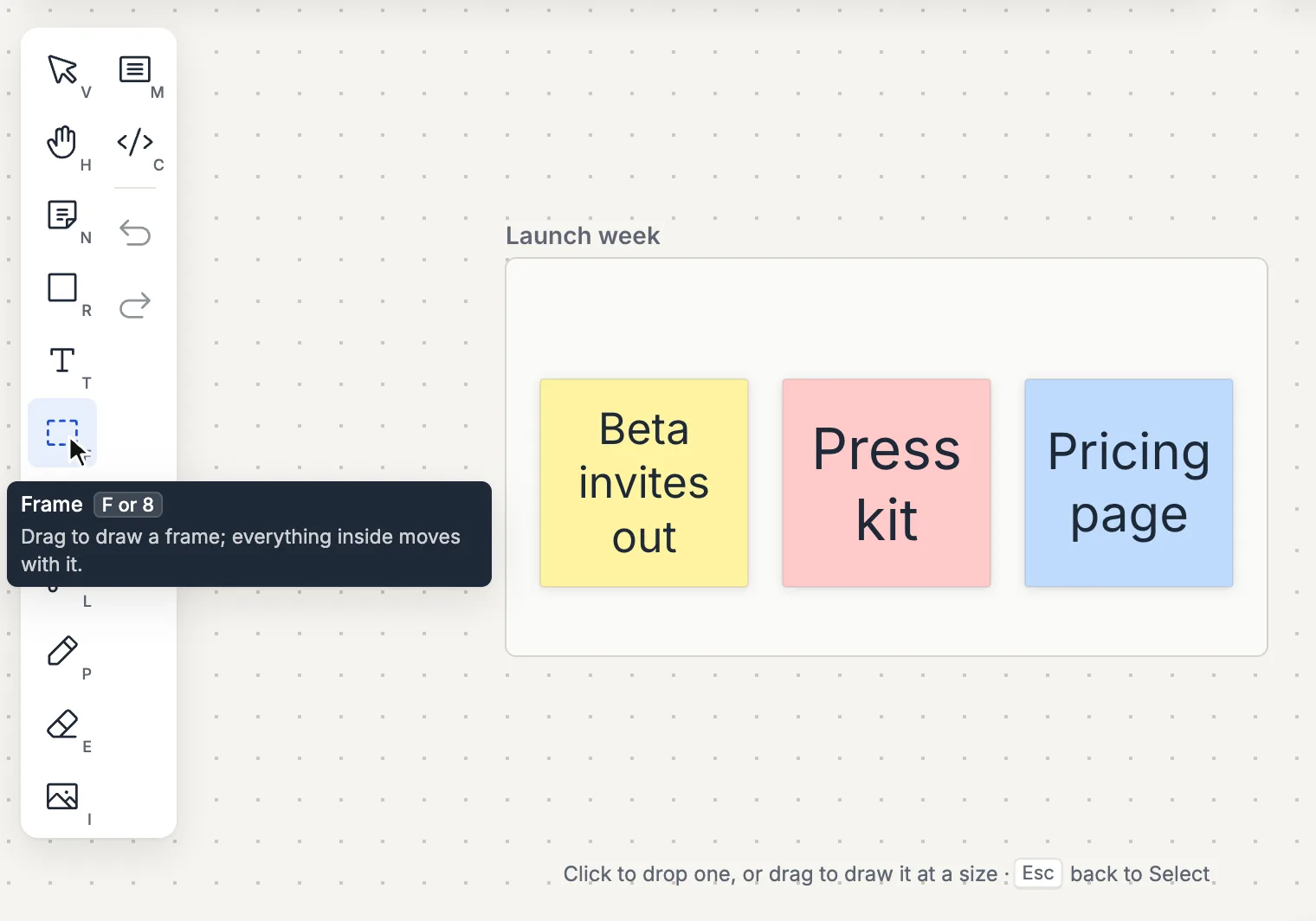
Hover or tab to any control for its name and its key, and, where the name is not enough, a sentence of what it does. A grey line under the board says what the tool in your hand can do.
Press “?” anywhere for one sheet of every action and its key, and type to find one: “zoom” leaves the five ways to zoom.
Drag a note from a Space’s files onto a board and it is a card there, drawn from the note. Select it and Beside opens the note next to the board.
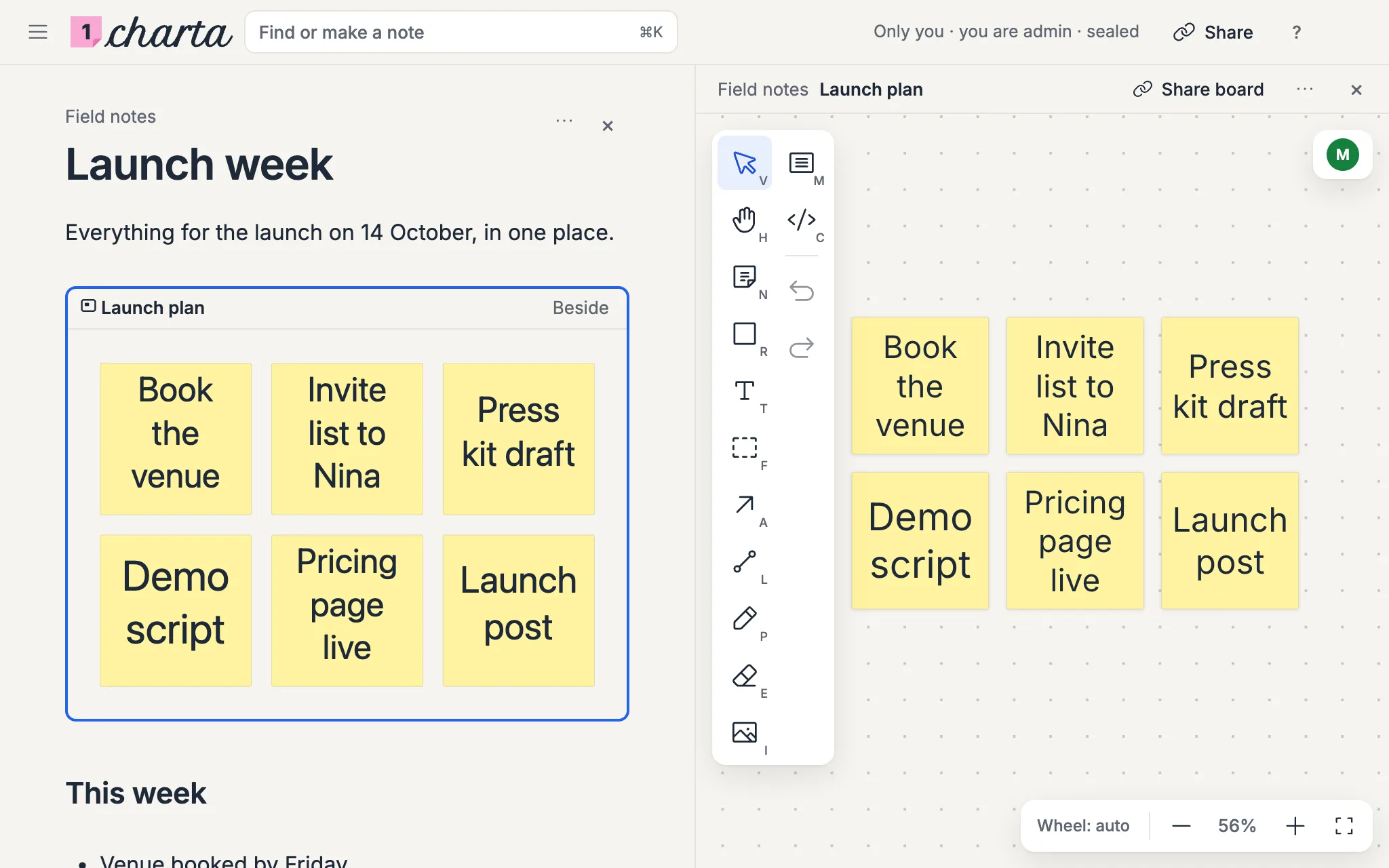
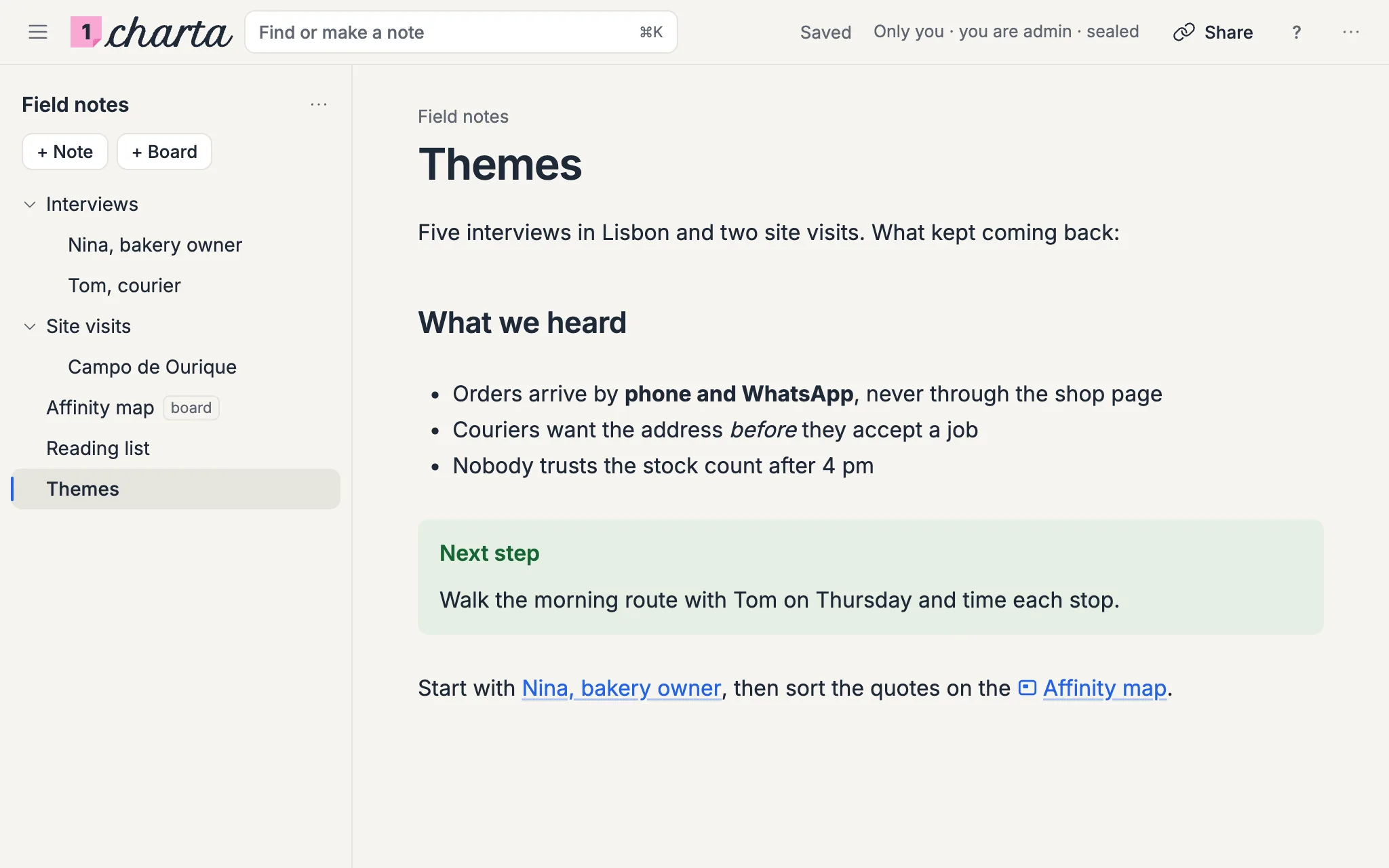
A board shows in a note as a live picture. Open it Beside, and read on the left while you draw on the right.
A Markdown table in a note is a grid: Tab moves to the next cell, and a column drags wider. The width is kept in the note, so Obsidian shows the same table.
Type “/” on an empty line for a heading, a list, a table, a callout, math, or a link to a note or a board.
A cell reads what its arrows point at, runs when you ask, and shows what came back: a number, a table or a chart. It never runs on its own, and its foot says who ran it and when.
A note reads and writes on the same page. The Markdown shows only where the caret is, and a link opens the other note without a reload.
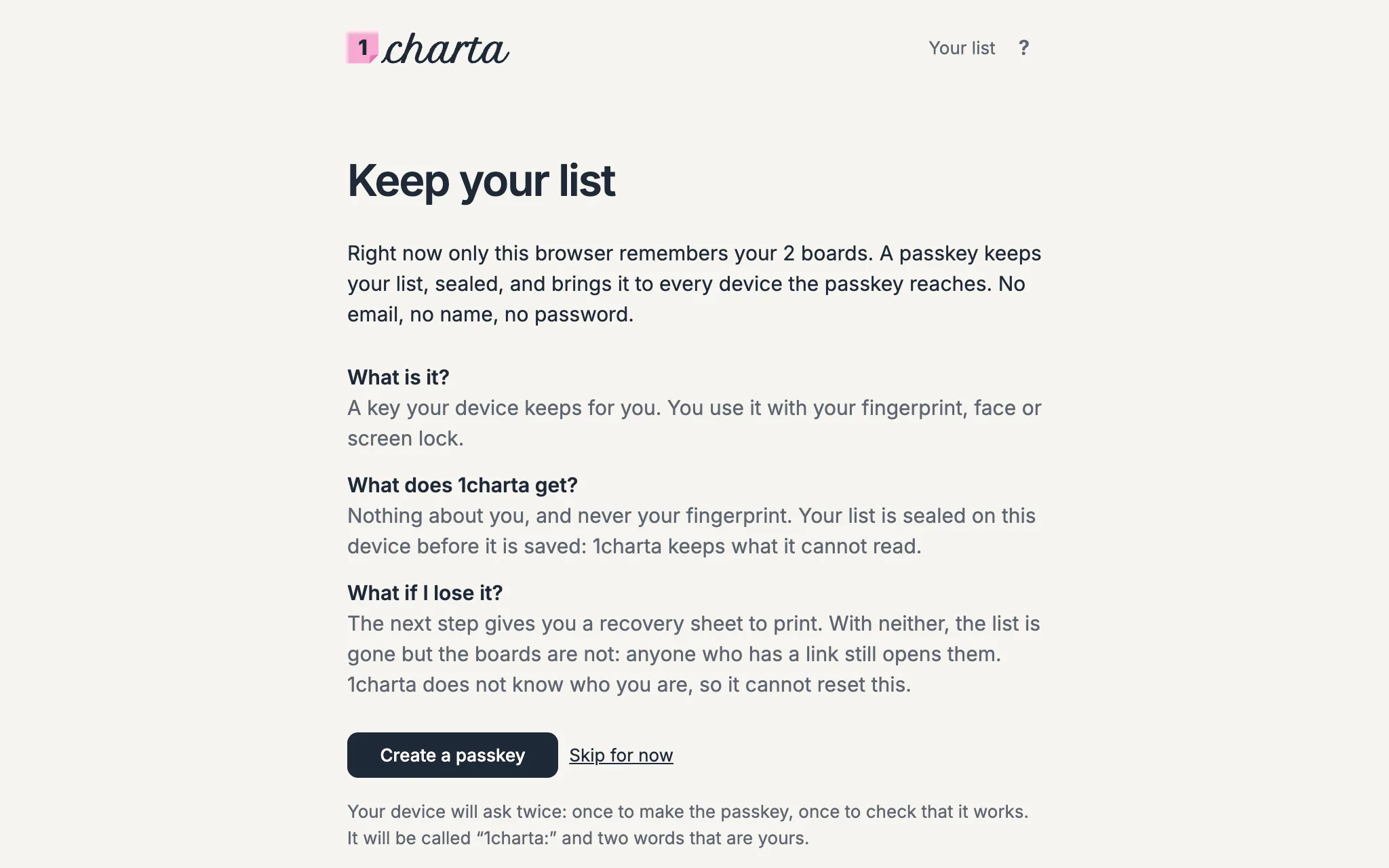
A passkey keeps your list of boards and Spaces, sealed, and brings it wherever the passkey goes: no email, no name, no password. Print its recovery sheet once, and a browser without your passkey still gets your list back.
A Space is a folder of Markdown notes and boards that you write in together. It stays a plain folder of files, so an Obsidian vault can be one.
One command keeps a board and a folder on your computer the same, one file for each shape. A coding agent works on the board with the tools it already has, and what it writes shows on the board live. Add a program under Share to get the command.
$ CHARTA_KEY=cp_… charta https://1charta.com/b/<id> ~/launch-plan
$ ls ~/launch-plan/shapes
demo.json email.json invites.json kit-in-email.json press.json pricing.json week.jsonA new board is sealed: it is encrypted in your browser, and its key never reaches the server. The line at the top ends in “sealed”; press it for what that means.
Draw by hand with the pen, mark a line with the highlighter, and take a stroke away with the eraser. What you draw keeps the line your hand made.
A shape you drag snaps to its neighbours, and guides show what it lines up with and where the gaps are even.
Arrows hold on to the shapes they join. Draw one curved, as an elbow or straight, and pull its middle to bend it.
Everyone on a board sees the others: their cursors glide with their names, and what they write appears as they write it.
Every board has an API. With the board’s key an agent adds, moves and joins shapes, with its own named cursor, and you watch it work.